Why zoom automatically on clicks?
In a Windows walkthrough, the pointer can be difficult to follow. A zoom after an important interaction brings a button, menu or result closer and helps viewers understand without interrupting narration.
Detect clicks while keeping processing local
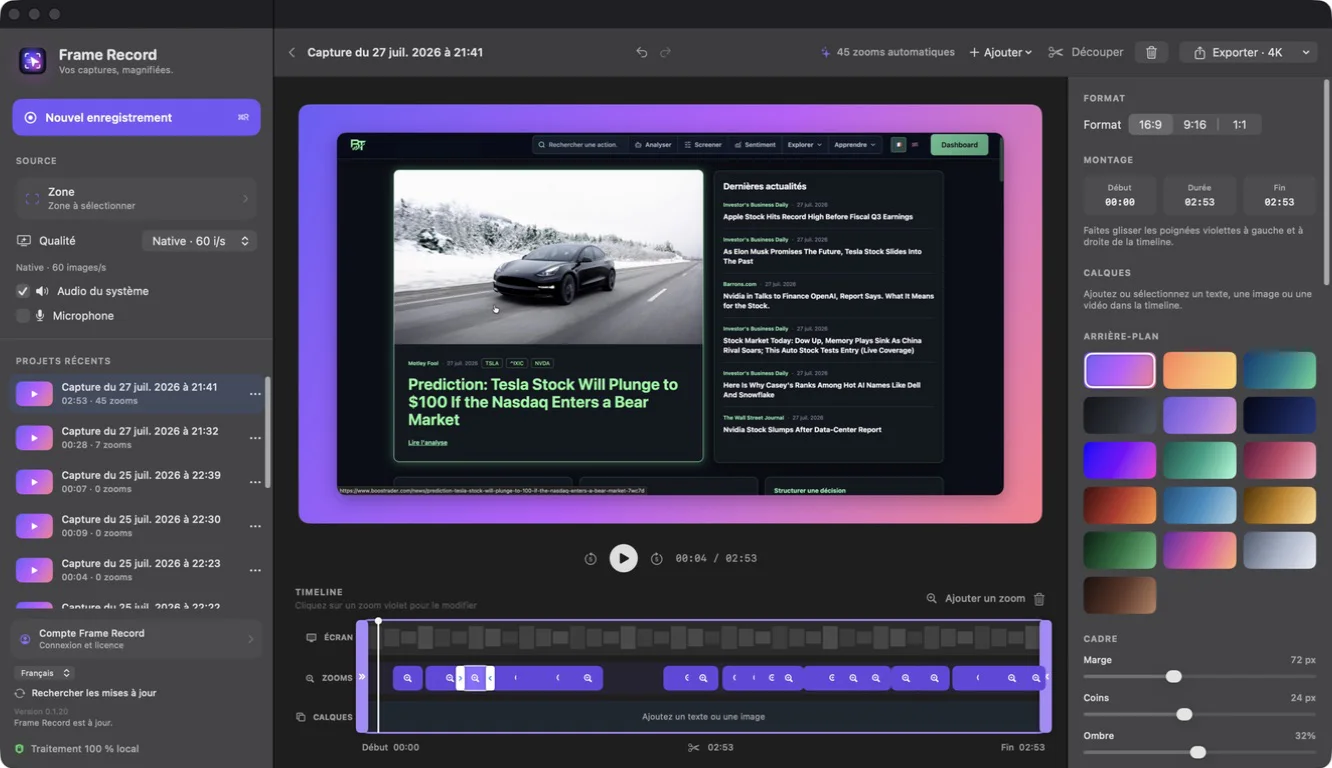
Frame Record stores the position and timing of useful clicks locally during capture. These events become editable timeline blocks. Recordings and interaction data remain processed on the PC.
Adjust focal point, duration and intensity
Select a zoom and move its focal point to the relevant area. Lower the scale when text is already readable, extend the duration when viewers need time to read and move the block to synchronize motion with the action.
Keep zoom motion smooth
Do not zoom on every click. Group nearby interactions, leave visual rest between movements and remove events created by unimportant navigation. Zoom should explain the interface rather than shake the frame.
Add a manual zoom on Windows
Double-click the preview where attention is needed or add a zoom from the timeline. You can then choose its timing and focal point just like an automatic event.